 AI with Breakfast
Watching All my Agents - A Mac App GitWorkstream
 Lee
LeeBuilt in this post
GitWorkstream
macOS
Today welcomes the return of AI with Breakfast after the summer break. Woohoo!
And there is a lot to celebrate. The Substack is one year old, 46 articles in, and has just hit 100 subscribers. Thank you for reading.
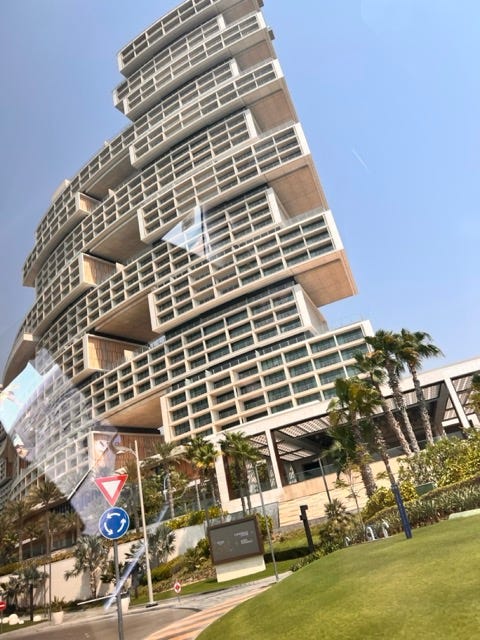
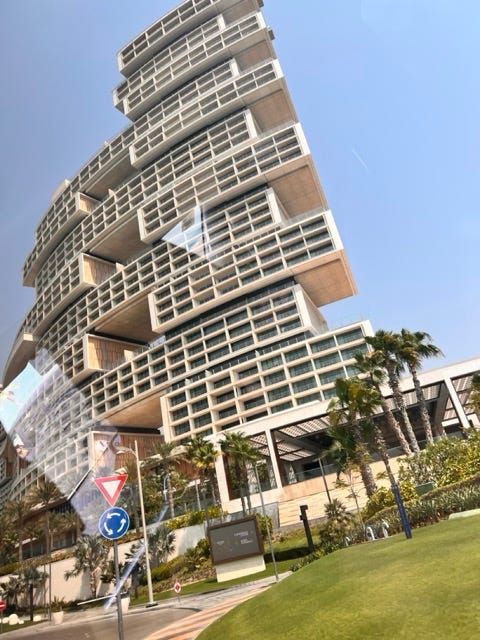
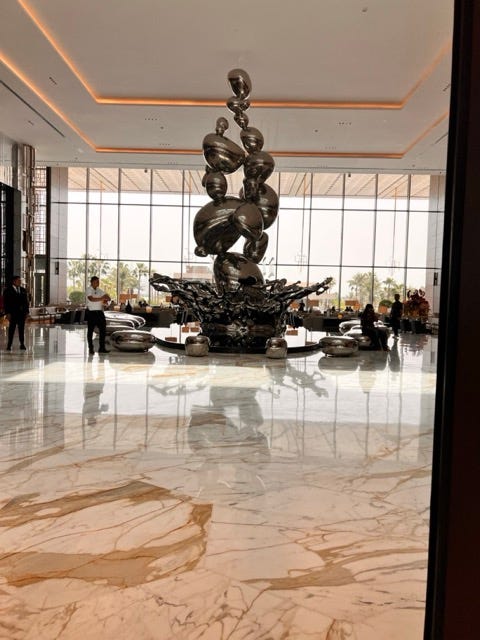
So I wanted to make today special so I am at Atlantis The Royal in Dubai.
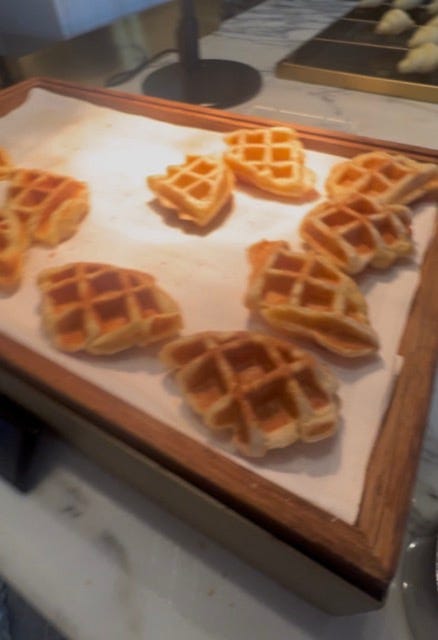
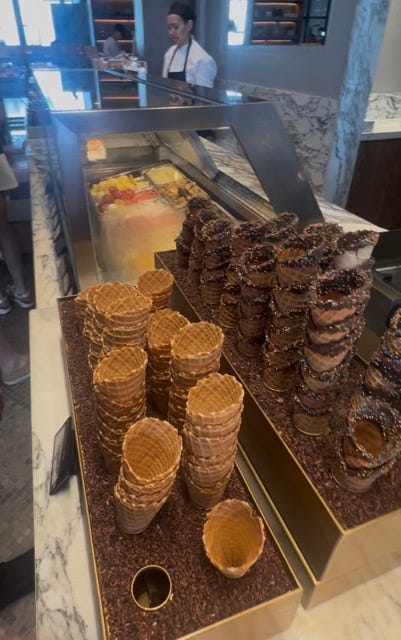
Now I have stayed in some very nice hotels, but this breakfast buffet is mental. There is ice cream. There are fizzy sweets. There is a man making pizza by hand, in front of me, at an hour that pizza has no business being made. You could argue it is too much. You could also ask who, honestly, does not want that for breakfast.
This is now the bar for breakfast and I am not sure it will get beat.




Today's app is called GitWorkstream. This one is mostly for the engineers, but the idea underneath it is not, so stick with me.

If you are an engineer you live in Git and normally GitHub.
branches
pull requests
reviews
merges
Something has shifted over the past few months for me. Having agents running on several projects at once, each in its own little sandbox, each quietly making commits, opening branches, raising PRs, pushing deployments. And I noticed where I was spending my mornings: living inside the GitHub app, clicking between repositories, checking the state of each one in turn. What has moved? Is that branch still active? How long is that deployment taking? Click, scan, back, click, scan.
Then it hit me, I had been building out apps to make myself more productive but not many apps to help me with my AI overlording. So if you were building git or the UI for git today in a agentic first world not a developer first one, what would it look like?
The idea
I wanted visibility across my whole code repository estate, on one screen. More specifically, I wanted it grouped the way I actually think about work, in workstreams.
I tend to work on 3-5 projects at the same time and I organise them mostly by domain so I minimise my context switching but some times I also arrange by 1 heavy project and a few light ones that I can dip in and out of.
The key here was that I am no longer 1 screen with code and 1 screen with the output, its 6 screens of agents and 1 screen for direction.

I want to be able to see every branch, every open PR, the deployments, and the commit messages the agents are leaving, across the whole set, in one place. And because this is about my local development, it needed to be a native Mac app. Something that lives on the dock.
Twenty-five minutes later, before a freshly made pizza.
The mechanics are almost embarrassingly simple. Git already has an outstanding command-line interface, so I did not need to reimplement any plumbing. The app talks out to the CLI that is already sitting on the machine, treats the output as a data source, and draws cards. I forced it to be read only firstly as a security posture but as I thought about it I realised that I am just watching and currently thats enough, if there was a need for interaction I would need to drop into the agent sandbox and align.
I have argued before for PSoD, Personalised Software on Demand: software you build the moment you notice you need it, fitted to your life rather than to the median user. GitWorkstream is another entry on that pile. But it is the first one that made me see the bigger pattern. A lot of the software we use encodes assumptions about how humans work: one thing, one project, one context at a time. Those assumptions were right for decades, so we stopped noticing they were assumptions. When you shift from doing the work to orchestrating agents doing the work, some of those foundations quietly stop holding, and the tool that fit perfectly last year sits slightly wrong now.

What happens when the interface starts adapting to us instead, and when changing it costs an hour rather than a quarter? GitWorkstream is small, read-only, and built entirely around how I happen to work this month. I will add things as my needs move, and some of what I add I cannot currently predict, because I do not yet know what overseeing agents will feel like in six months.
Why this matters
Nothing in GitWorkstream is technically new. You could have built every part of it anytime in the last decade, there was just no need. Working repo by repo was how developers operated, a cross-repository awareness dashboard solves a new agent first problem. You always know what is happening, because you are the one making it happen. An engineering manager might have wanted something in this direction, but not at this granularity, because they could not personally step into all of that work anyway. Awareness without the ability to act is just anxiety with a dashboard.
Agents change that relationship. One person can now start, oversee and step into far more concurrent work than before.
The interface did not become possible. It became useful.
Let me know if you would use it and I’ll publish it for download
Built in this post
GitWorkstream
macOS